
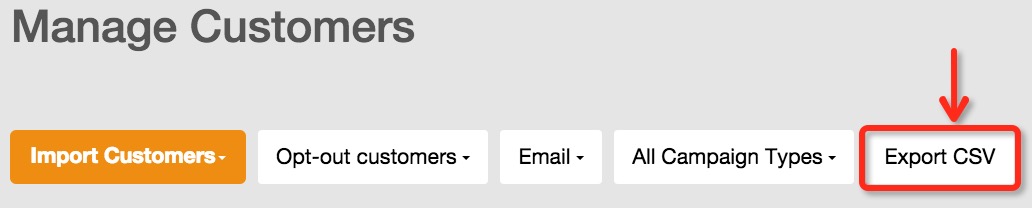
In manage customer page, you can choose to view “opt-out customers” and then view unsubscribed customers by channel and specified campaign type. If there are unsubscribed customer records, you will view the “Export CSV” button. You can click this button and configured your exported properties to export unsubscribed customers.
Was this answer helpful ?
Yes
(0)
/
No
(0)