
This analysis helps you to analyze your campaign performances according customer behaviors.
In campaign report summary page, you can create your campaign demographic report by following steps.
1. Click Demographic analysis to view the report about open/click behavior.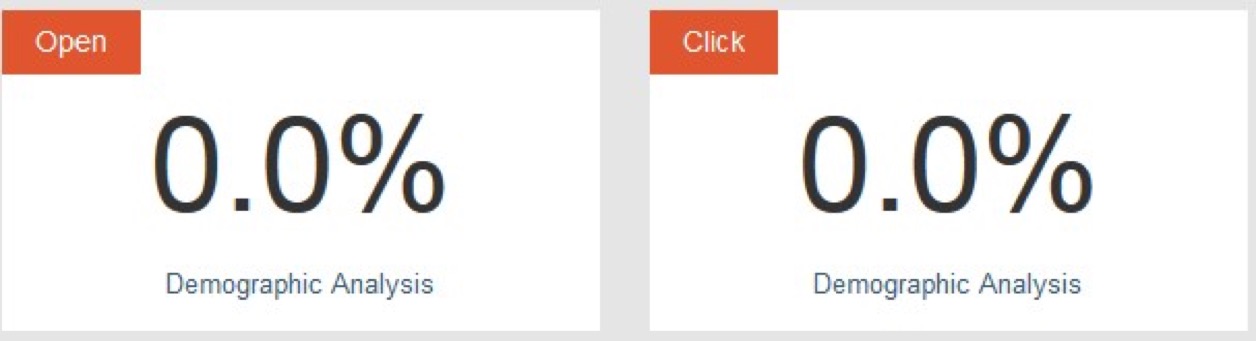 2. If it is the first time for you to create report, you will get following indication. You need to click the indication sentence ‘Click here to add your demographic properties’.
 3. You need to set the properties as the objects of your reports and click OK to save your settings.

4. You can edit your properties setting for reports.
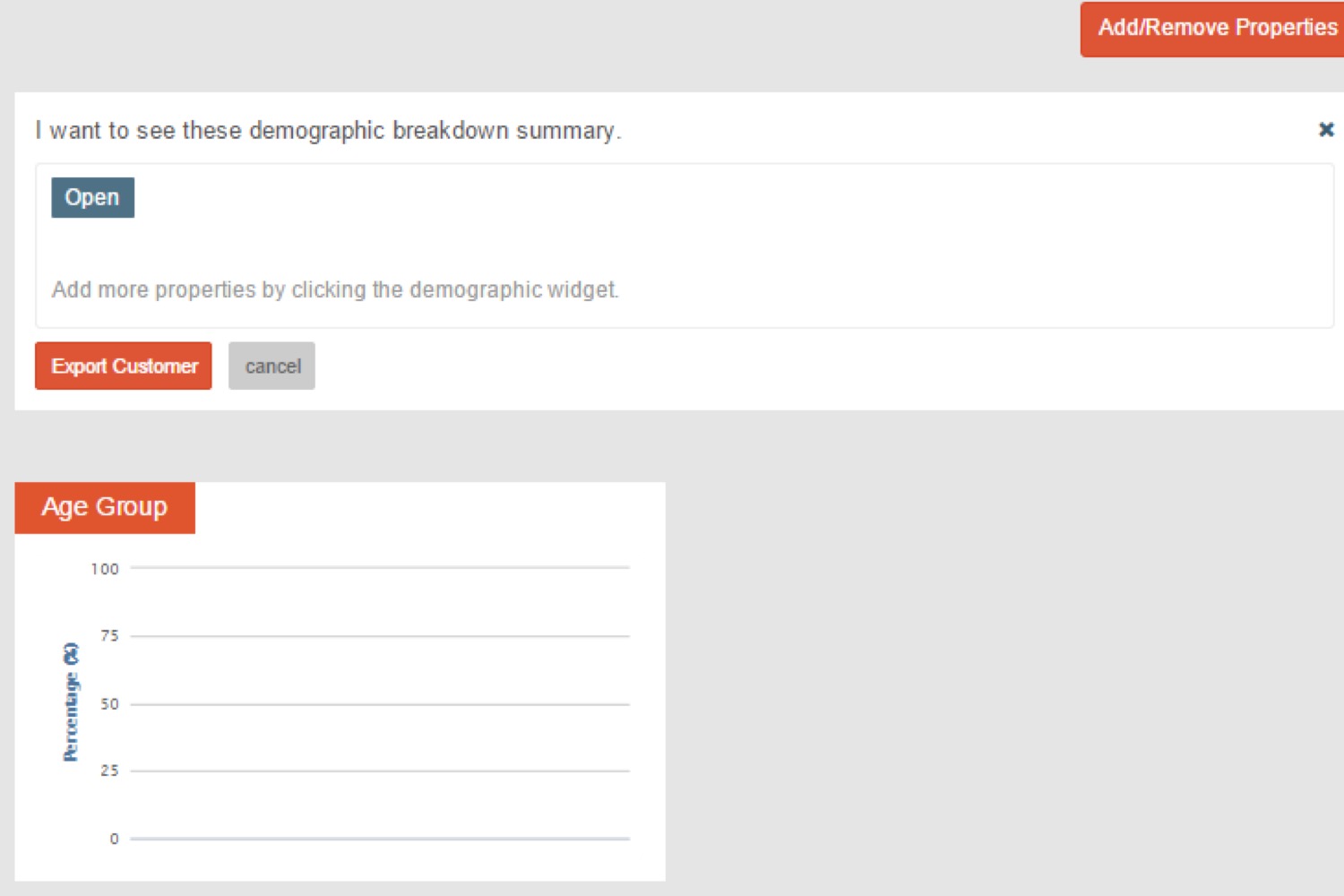
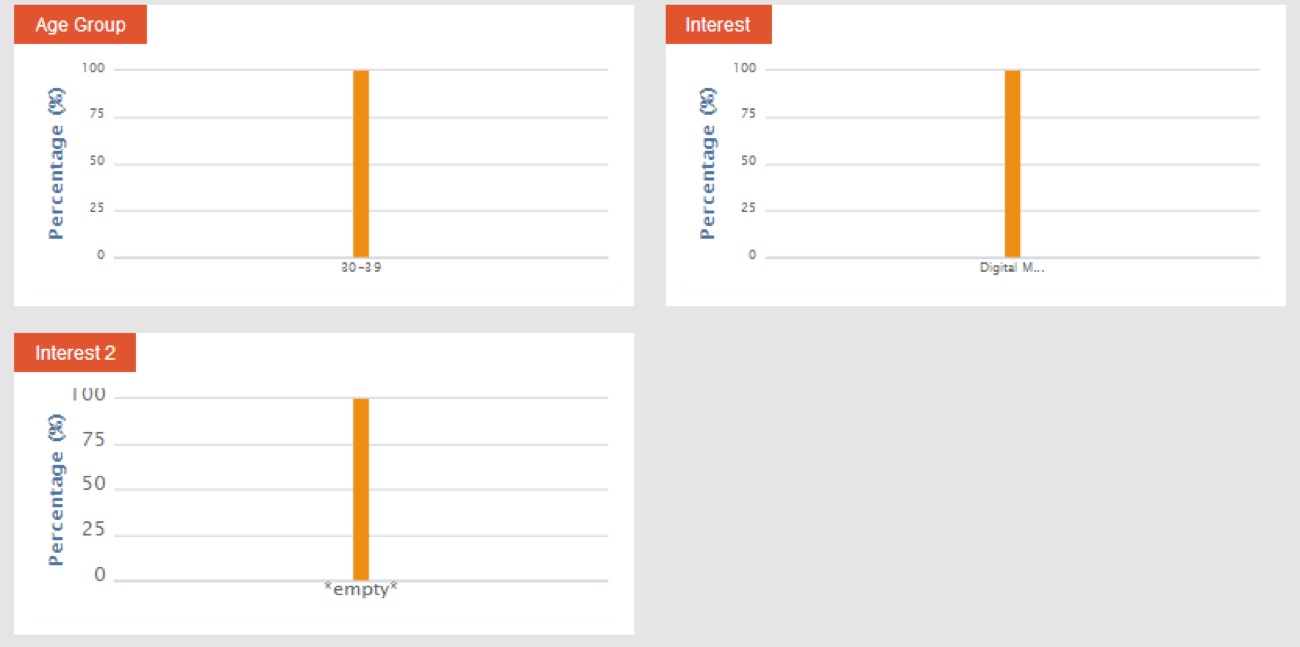
The demographic bar chart will automatically generate according to selected properties and the specified customer behaviors (open or click).
You can export customer records of demographic analysis, please refer to the description of exporting customers in Manage Customer for more details.