
Edit customer information
In customer management page, you can edit customer information:
1. Move your mouse onto the information field you need to edit until the edit icon appears.
2. Input edit content and click OK to save your edit.
You need to edit property fields according to their data type:
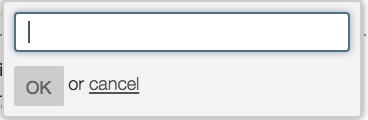
- Text, first name and last name property: directly input text content to replace the existed description.
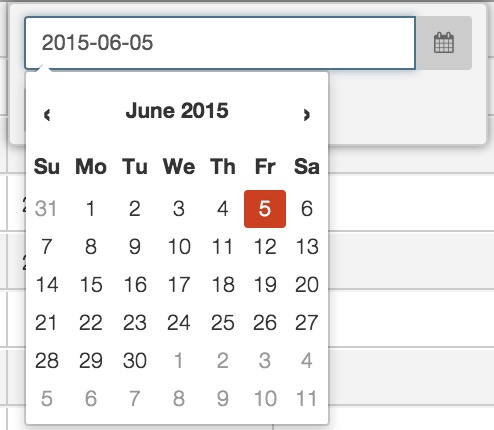
- Date property: input the date in yyyy‐mm‐dd(year‐month‐date) format or select the date from drop down calendar list.
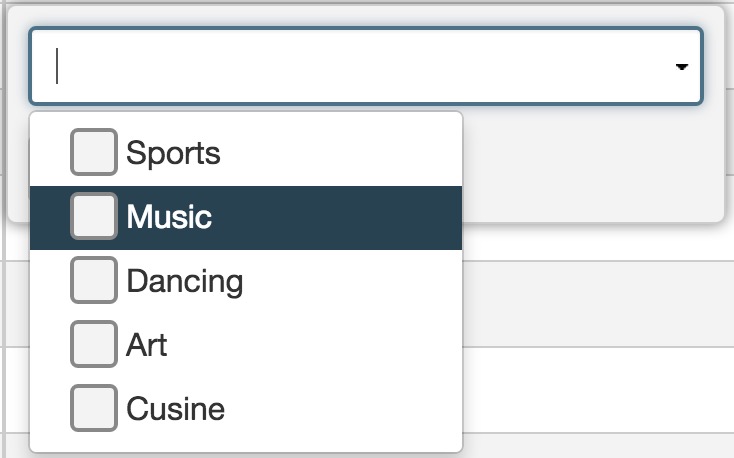
- Options or multiple options property: select option value from drop down option list.
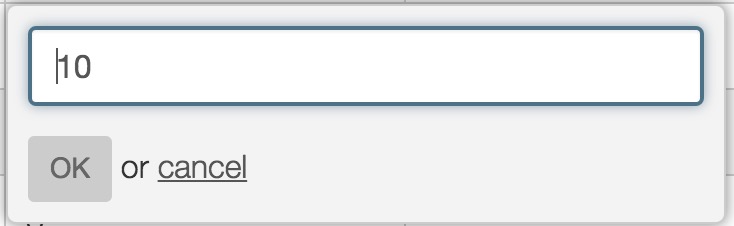
- Number property: directly input numeric number information to replace the original content.
View Opt-out/Hardbounce/Spam Complaint Customers
- General customer records imported by users for campaigns.
- Opt‐out customers: Customers can unsubscribe campaigns by clicking the unsubscribe link in email. If a customer chooses to unsubscribe emails, RiMANG‐ GIS will automatically add this customer record into opt‐out list. Customers can also unsubscribe by phone, fax or other communication tool, users can make a list for unsubscribe customers and import the records into database as opt‐out list.
- Hard bounce customers who failed to receive campaigns due to hard bounce.
- Spam complaint customers who regard campaign emails as spam and submit complaint.
You can select the type you want to view and manage related customer records.
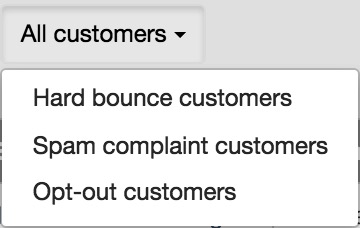
If you view opt‐out customers, firstly you can select channels and then select campaign type to view categorised opt-out customers.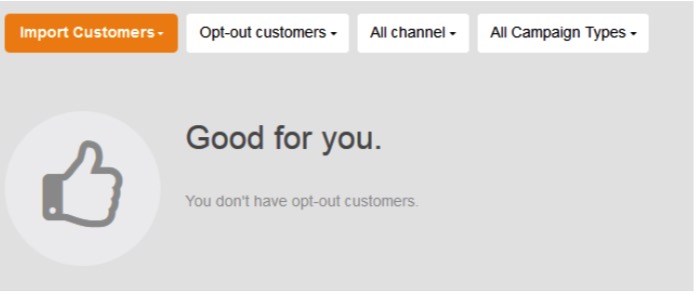
If you view hard-bounce customer, RiMANGGIS display all hard bounce customers of all channels, you can click “All channel” and then choose to view Email or SMS hard bounce customers.
If you have spam complaint customers, unsubscribe customers or hard bounced customers, you can contact them and find out the reason for complaints, unsubscribe or hard bounce to improve your campaign efficiency.
Delete your customer records
You can delete customers in batch or individually.
Delete batch customer records
1. Click the check box in the front of table heading row to select all records in current page.
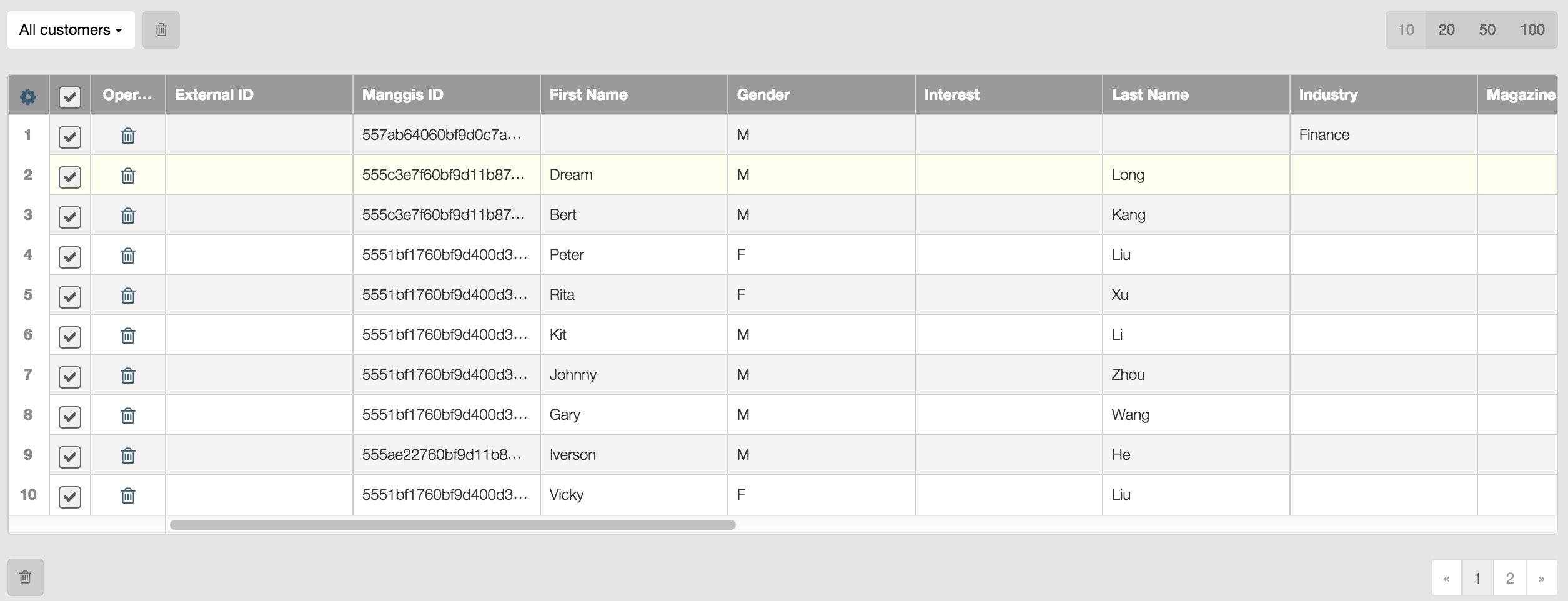
2. Click  above or below the table to delete all selected records.
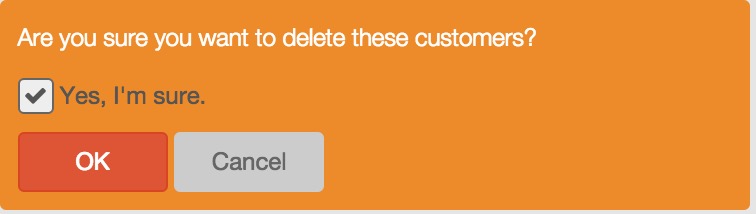
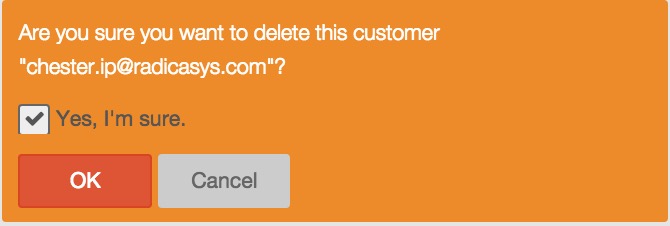
3. Check the confirmation box and click OK to finish deletion.
Delete single record
1. Select a customer record by clicking its check box.

2. Click to delete the selected record.
3. Check the confirmation box and click OK to finish deletion.
Search for your customer records
You can use the quick search button  in the right top corner of RiMANGGIS (hot key: ‘Ctrl’ + ‘,’) to quickly find customer records.
1. Click the button and select customer option.

2. Input key words about the name or email address of the customer you want to find.
3. Press enter key or click to view all related records.
4. Click the email address of found records to view customer profile.
Export your customer records
You can export customers in tags and demographic reports.
1. Export Spam/Hard bounce/Opt-out customer.
In manage customers page, if there are spam/hard bouce/opt-out customers, you can click “Export CSV” to export related customer records.
2. Export customer records in a tag.
You can select a tag and export all customer records in this tag. For operation details about exporting customer records in a tag, please refer to customer exportation described in manage your tags.
2. Export customer records in demographic reports.
The demographic reports in RiMANGGIS includes two types: Tags/ Demographic Analysis and Campaign Performance/Demographic Analysis. For operation details about exporting customer records in demographic reports, please refer to 9.1.3. Export Customer and Report.