You can select and click a email address in the records table to view related customer profile.
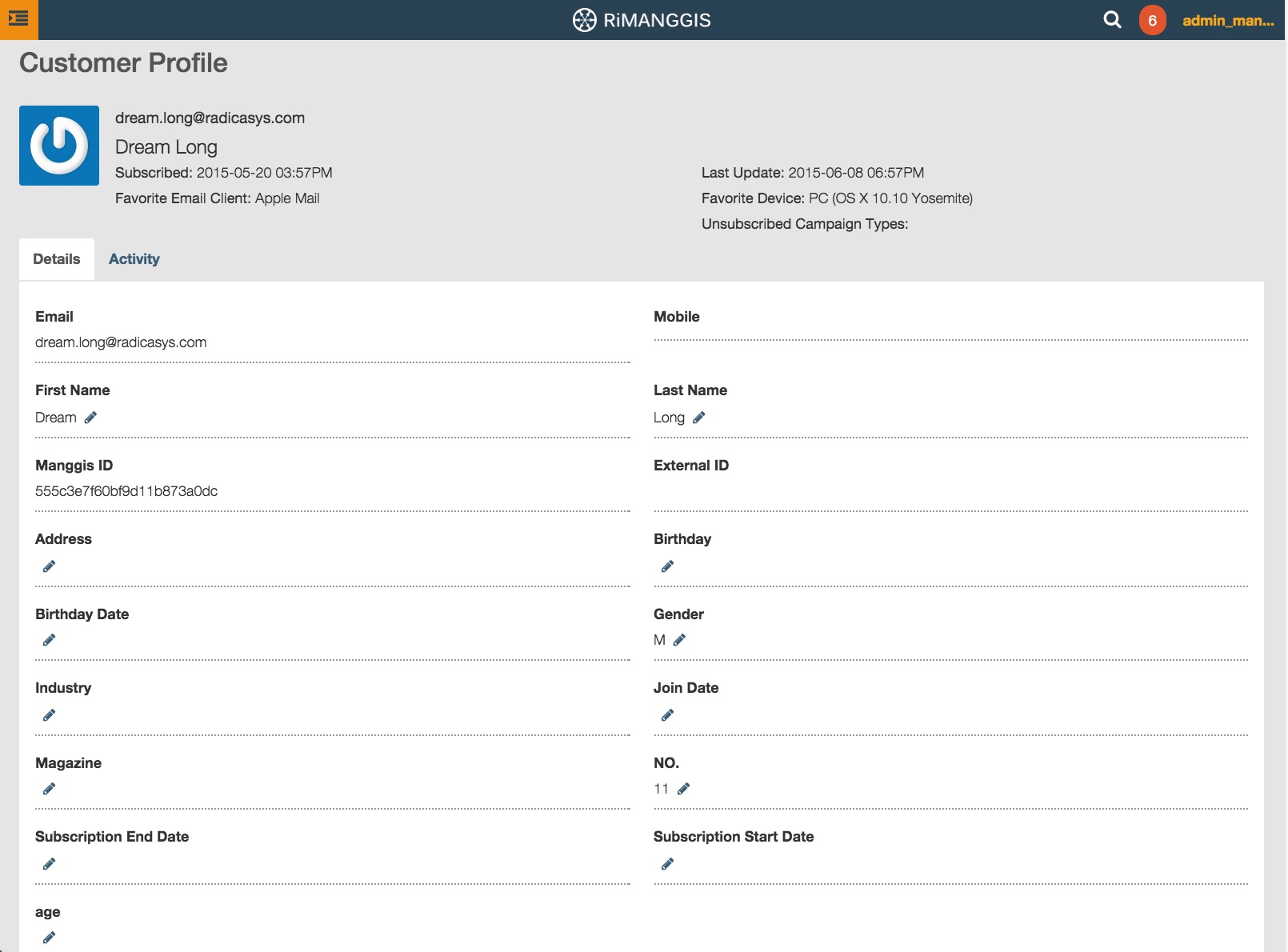
In this page you can view all customer record details including subscribe time, favorite email client and device, record update time, unsubscribe campaign types and imported columns information. You can also find the unsubscribe status of the customer here.
You can click the edit icon  to edit corresponding property information. Any property fields can be edited except Email, Mobile, Manggis ID and External ID. The input content must comply with data type of properties.
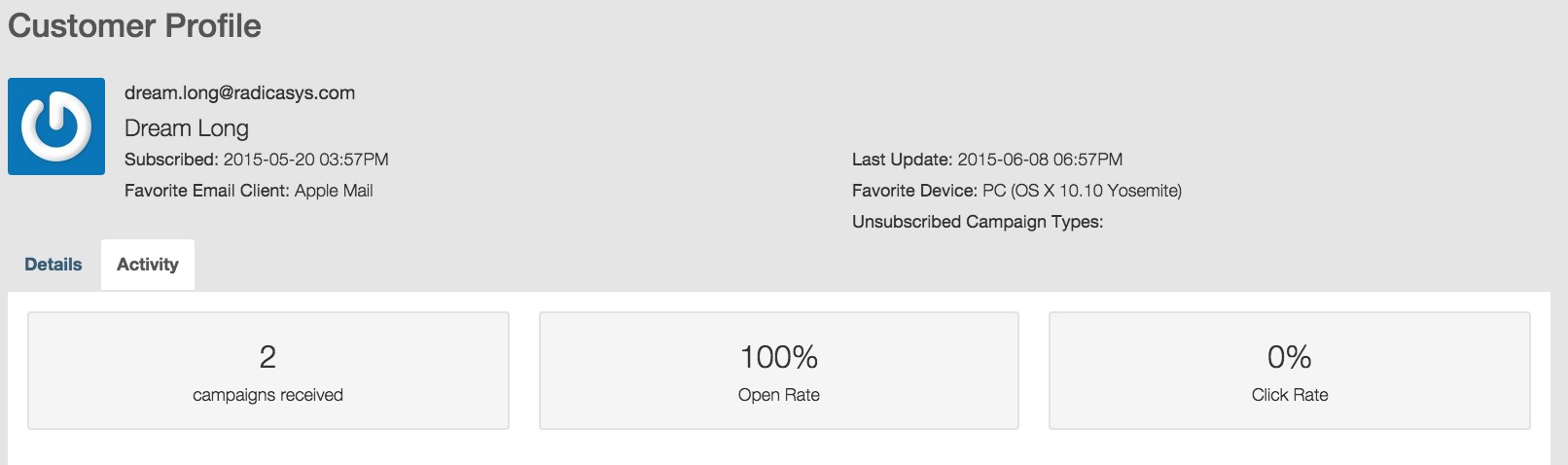
The Activity tab displays the customer’s behaviour statistics about campaigns received.
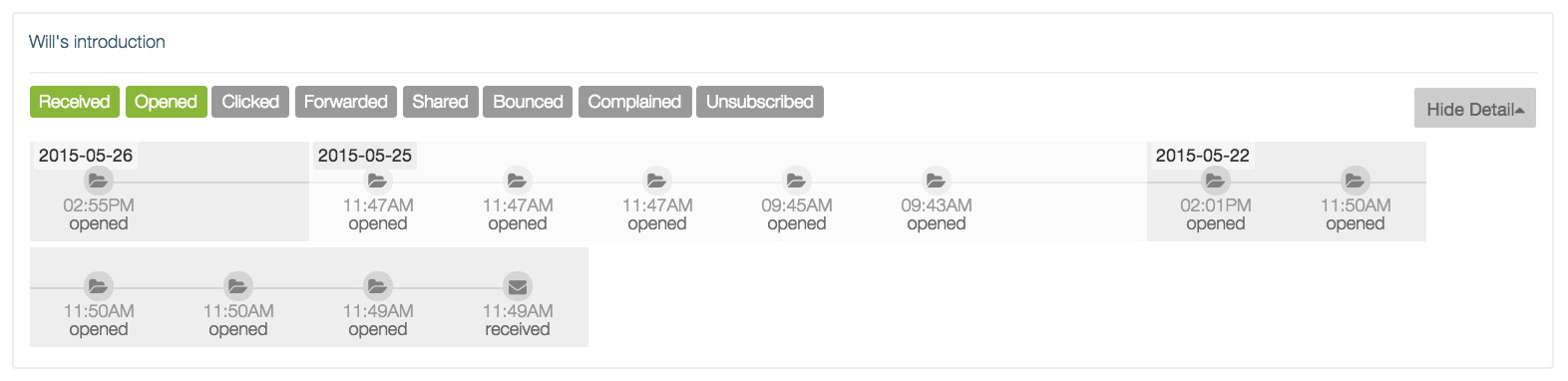
You can view details of customers behaviour in each campaigns in the tab. Customer behaviour records are sequenced by the date of campaigns in descending order, the latest campaign will be placed at the fisrt column. Every records has 8 status marks.The marks in green color indicates that customers have made corresponding operations.
You can click ‘Show Detail’ to view the recent time for customers to receive and open campaigns.
The detailed information will record campaign activities by day, you can click ‘Hide Detail’ to close the display of details.