
Account sign in
Open your RiMANGGIS login page and enter email address and password to login to RiMANGGIS. You need to select the operation language used for your RiMANGGIS system.
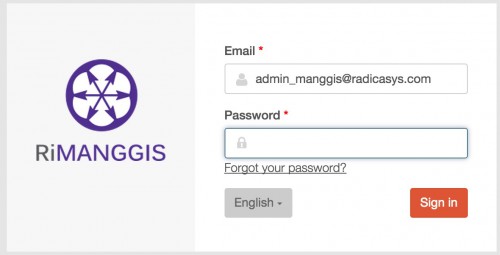
The system language can only bet set in login page. If you want to change system language during operation, you must log out system and reselect language.

You should carefully enter your password. If you enter a wrong password over five times, your account will be deactivated automatically. You cannot login to system unless you reset password or request system super or super user to reactivate your account.
Account sign out
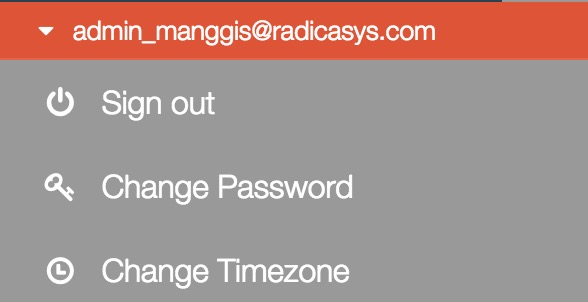
If you want to log out from RiMANGGIS, you can open your user menu and click ‘Sign out’ to log off.
A user account will automatically sign out if RiMANGGIS with this account is at idle status over 120 minutes.