
Smart Delivery function helps users to view customers email domain capacity.
Daily Volume
RiMANGGIS has limited the daily volume of emails allowed to be sent in each domain. If the sending campaign emails exceed the limit, the exceeded emails will not be successfully delivered. The daily quotas of each domain is configured in background, it cannot be configured by users in database.
The quotas will be released if the campaign that occupied the quotas is deleted.
For Example, if you need to send out your campaign (e.g. Special Promotion) on the date (e.g. 1 – 3 May) that the quotas are occupied by other campaigns (e.g. VIP enews & May enews), please follow the steps below:
- Duplicate VIP enews and May enews in Manage Campaign
- Delete VIP enews and May enews in Manage Campaign
- Set schedule for Special Promotion to 1 May
- Reschedule VIP enews and May enews
Campaign Delivery Schedule
You can flexibly specify or reset your campaign delivery schedule to avoid quotas consumption conflict.
Delivery Status
Click ‘Delivery Status’ in database menu to enter delivery status page. You need to input the keys words and select the correct domain name from dropdown list.
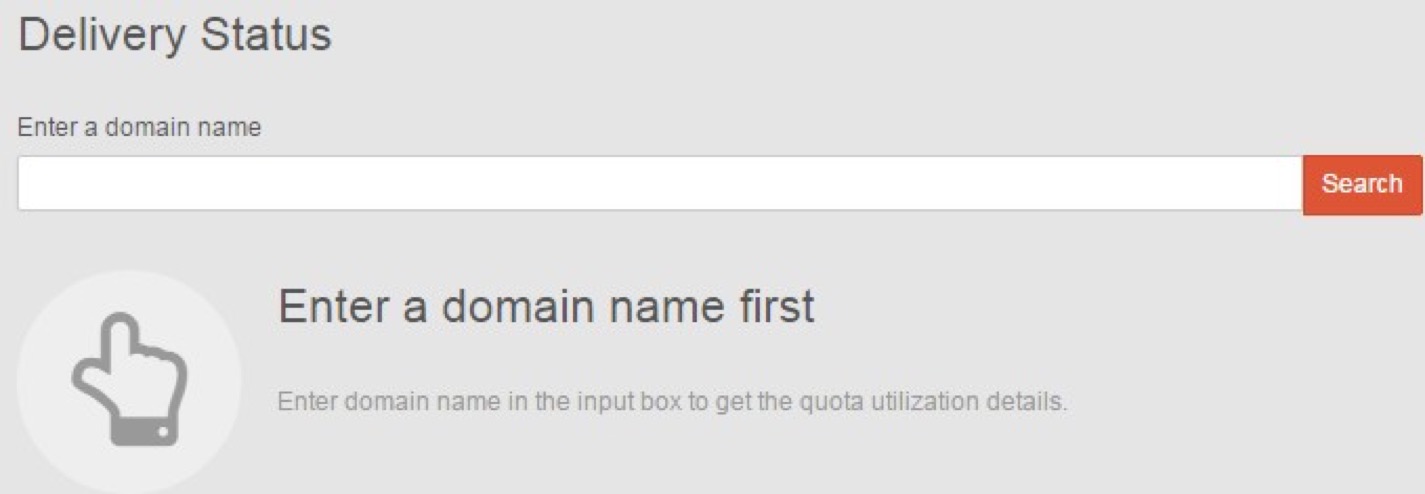
Click search or directly press Enter key to view current monthly report of domain capacity. Click  or
 to view last or next month report.
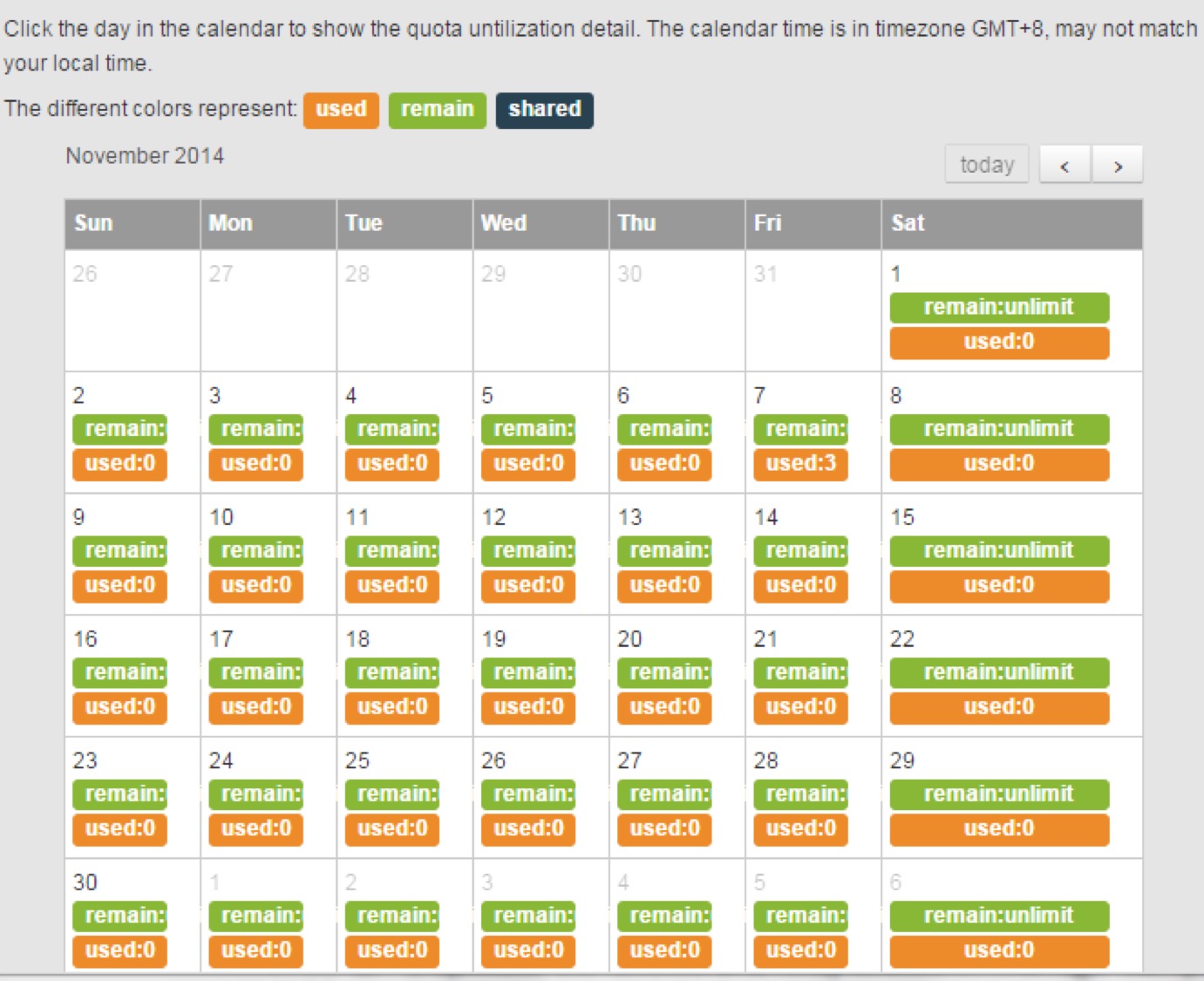
The domain volume data is classified three types:
 The consumed domain quotas (the total number of emails sent).
 The remaining domain quotas (the number of emails available to be sent).
 The shared domain quotas (the number of emails shared by different domains).
You can click Used to check that daily quotas are consumed by which campaign.