
All user accounts in RiMANGGIS are activated via emails. After your account is created in system, RiMANGGIS will send an email with an activation link to your mailbox.
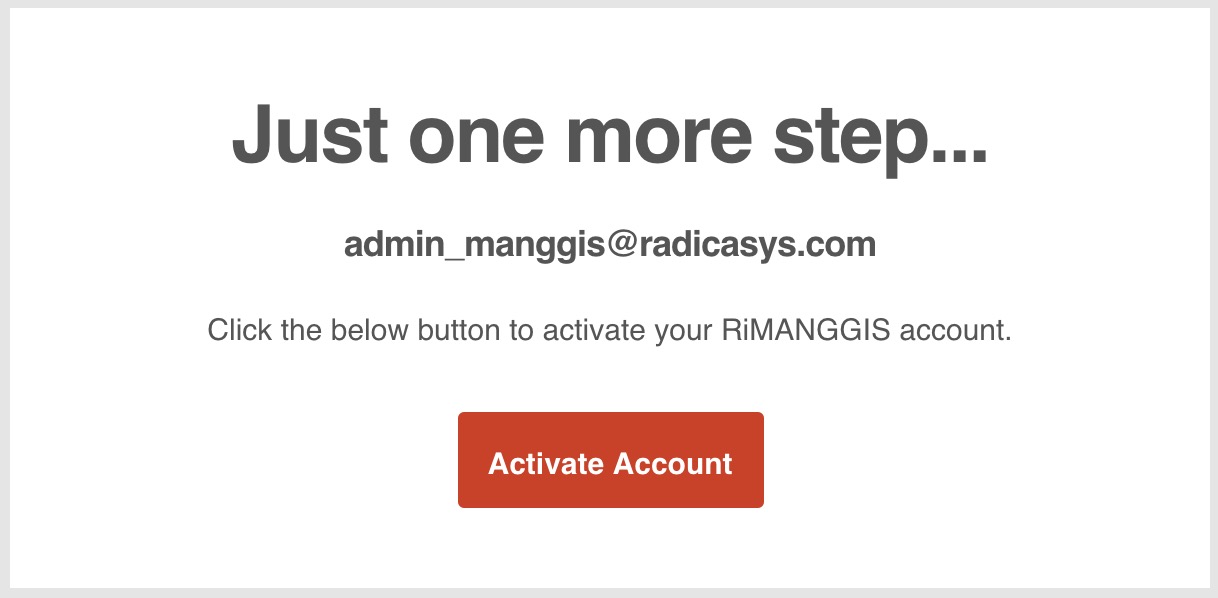
You need to click ‘Activate Account’ to jump to RiMANGGIS password setting page.

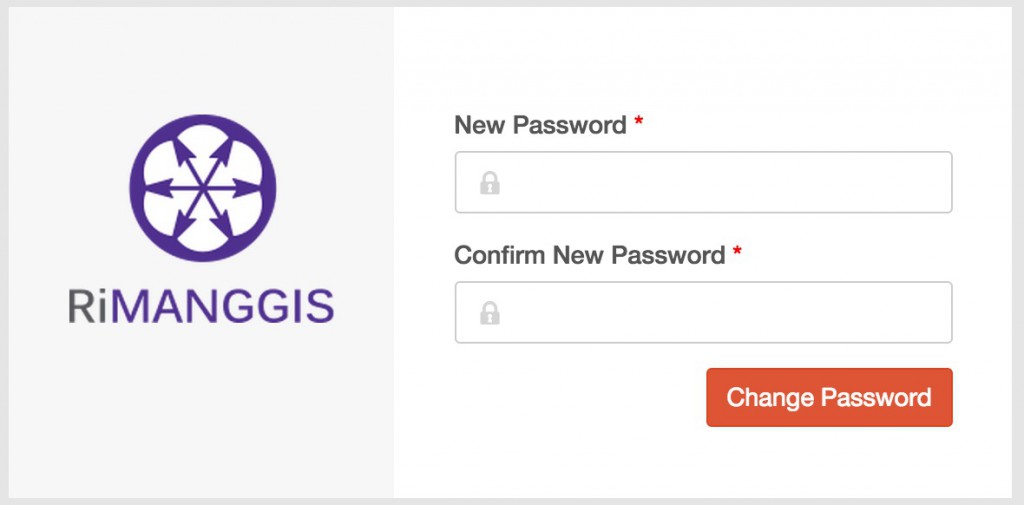
In RiMANGGIS password setting page, you should comply with password setting rules to enter your new password.
Password setting rules
- The length of password must be between 6‐16 characters.
- Password must consist of upper‐case and lower‐case alphabetic characters as well as numeric characters.
- Password can not contain blank spaces.