
DPC Privilege Setting
User’s DPC privilege is set at RiMANGGIS backend administration system. In account management page, if the DPC setting option is enabled, the corresponding system user account will have the DPC function privilege.

DPC Bounce Account Setting
While enabling DPC function in RiMANGGIS backend administration system, we will also assign a bounce email address for users. If users choose DPC bounce management, DPC will manage bounced emails and data for users, and all bounced campaign emails will return to the email box with the specified email address.
Access to Your DPC Page
Users with DPC privilege can use DPC function. You can enter your DPC function page by the following steps:
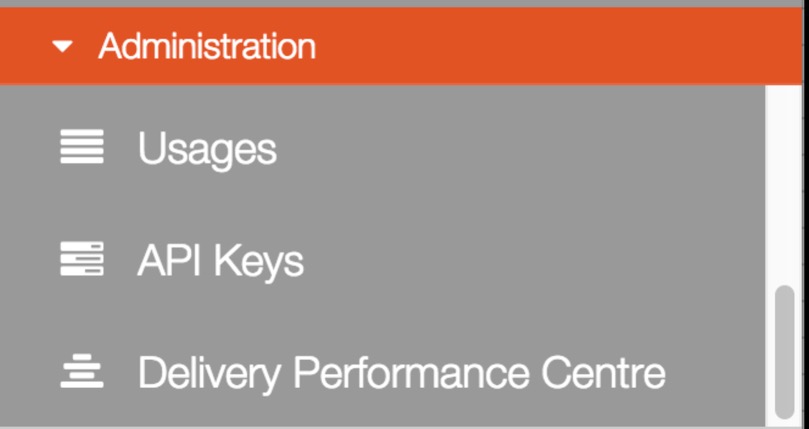
- After logging in to RiMANGGIS, open your administration menu.
- Scroll down the menu and click ‘Delivery Performance Center’.
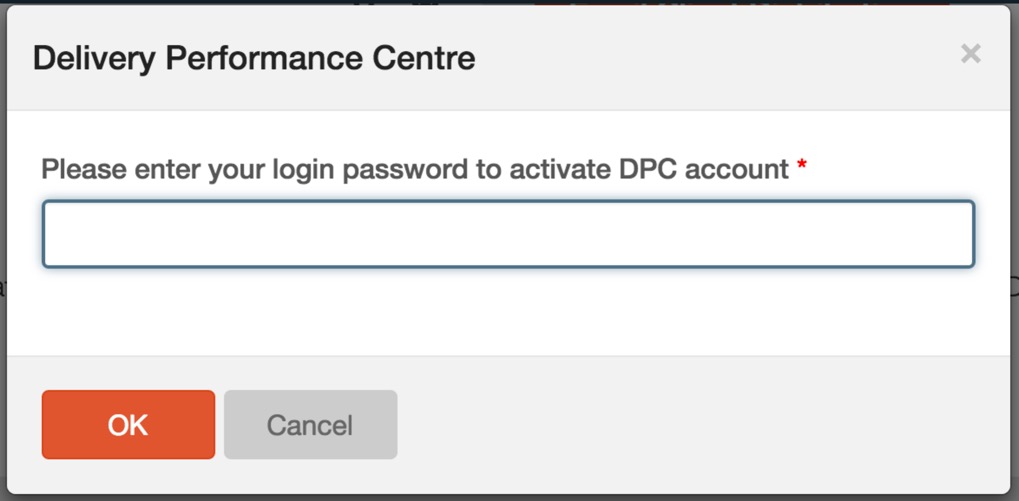
- If you use DPC function for the first time, you need to input you RiMANGGIS password to validate your account.
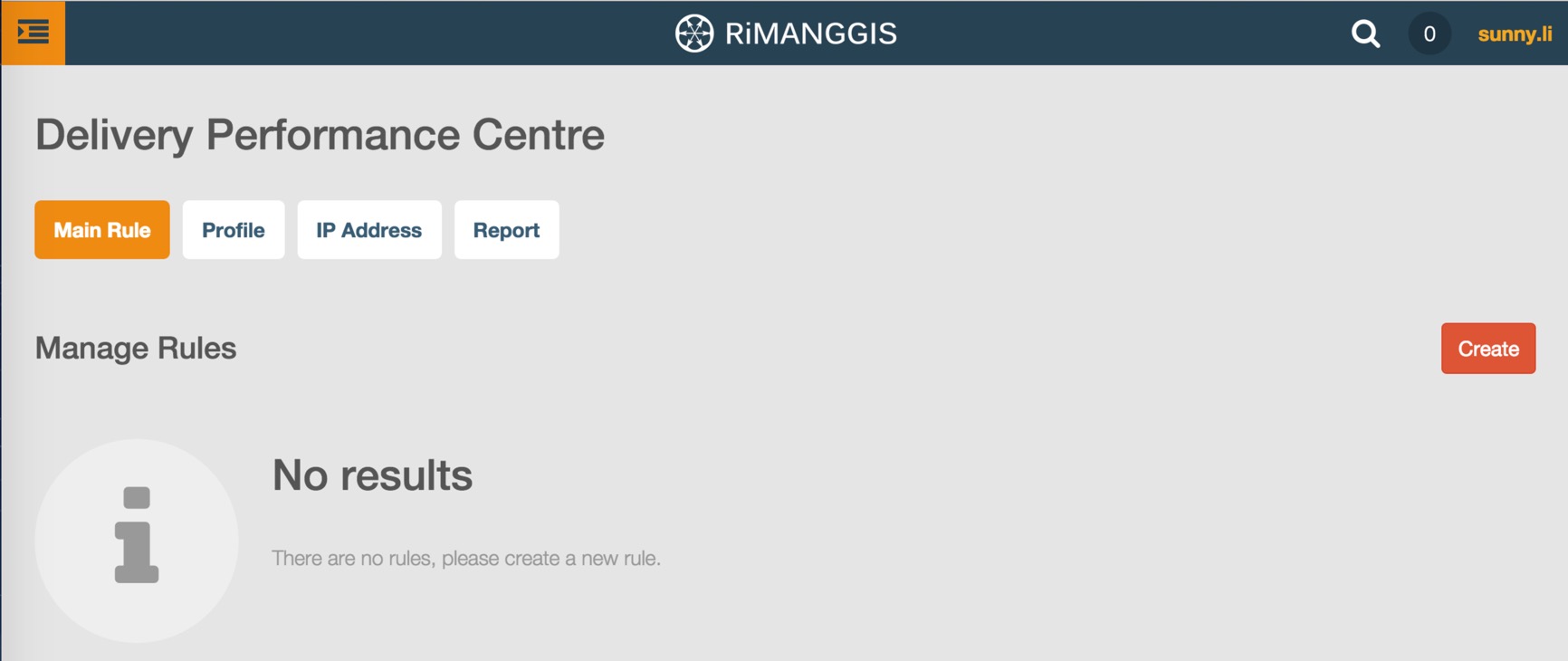
You will view DPC page after inputting your RiMANGGIS log in password.
If you are a new RiMANGGIS user, firstly you need to reset a new password of RiMANGGIS system, for new password setting, please refer to Activate Your Accoun.