
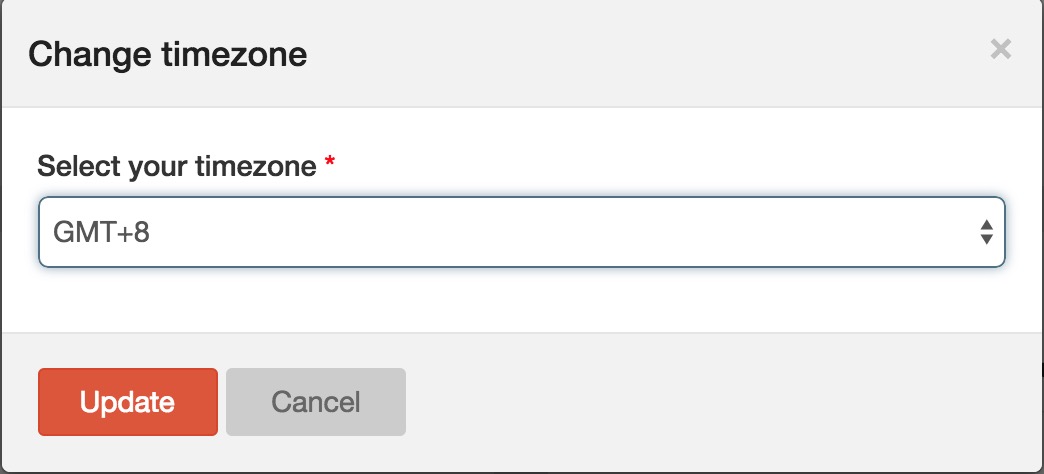
The default timezone of RiMANGGIS is ‘GMT+8’. You can change the default timezone to make the system time synchronized with your local time.
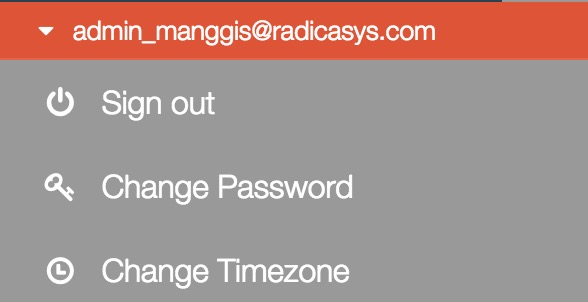 ↓
1. Open your user menu and click ‘Change Timezone’ to open timezone setting window.
2. Click the timezone field and select timezone from drop down list.
2. Click ‘Update‘ to save your timezone.
RiMANGGIS will automatically refresh the page for 2 seconds and the preset timezone will take affect.