
The campaign content in plain text make sure that your subscribers can view the campaign content as expected regardless of the email client or program they’re using. When subscribers receive your campaign, their email clients will automatically determine which format (html or plain text) to display.The plaintext content is auto‐converted from the HTML content of design page.
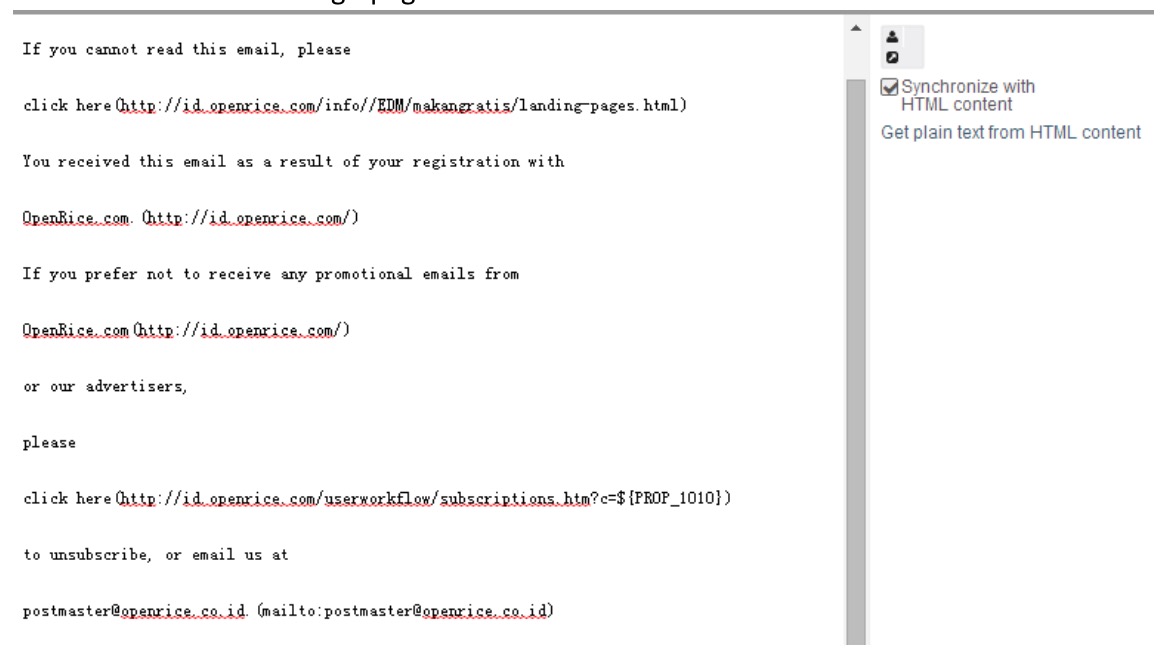
You can edit the content of plain text:
- Click ‘Plain text’ at the bottom of page to enter plain text page.
- Check the option ‘synchronize with HTML content’ to make the plain text content synchronized with the content in HTML design page. If you want to edit the plain text separately, remove the tick in the option and the content will not change with the design of html page.
- Click ‘get plain text from THML content ’ if you want to make the plain text content identical with html page.
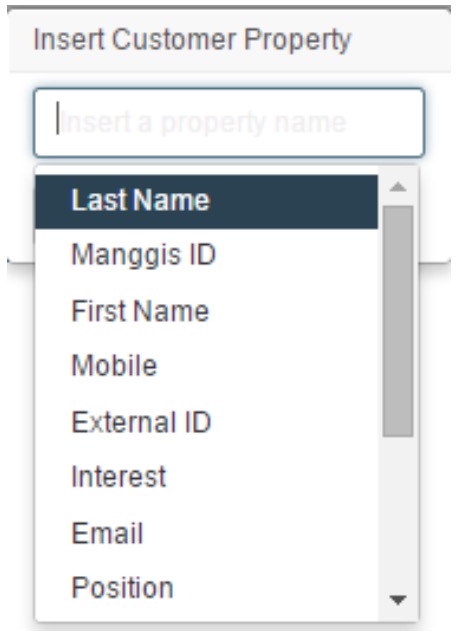
- Click
 to insert merge tags of customer properties into your plain text page.
-
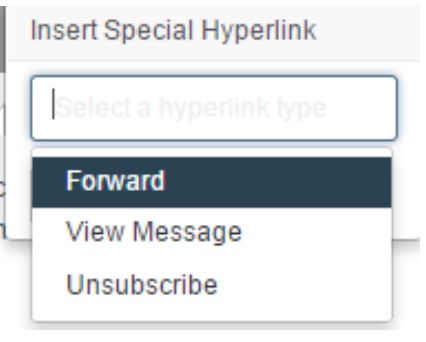
Click
 to insert special links into your plain text page.
 Eventhough you check the option ‘synchronize with HTML content’, the html design page of campaign will not be modified with the change of plain-text. You muse modify the content of html page seperately if necessary.